
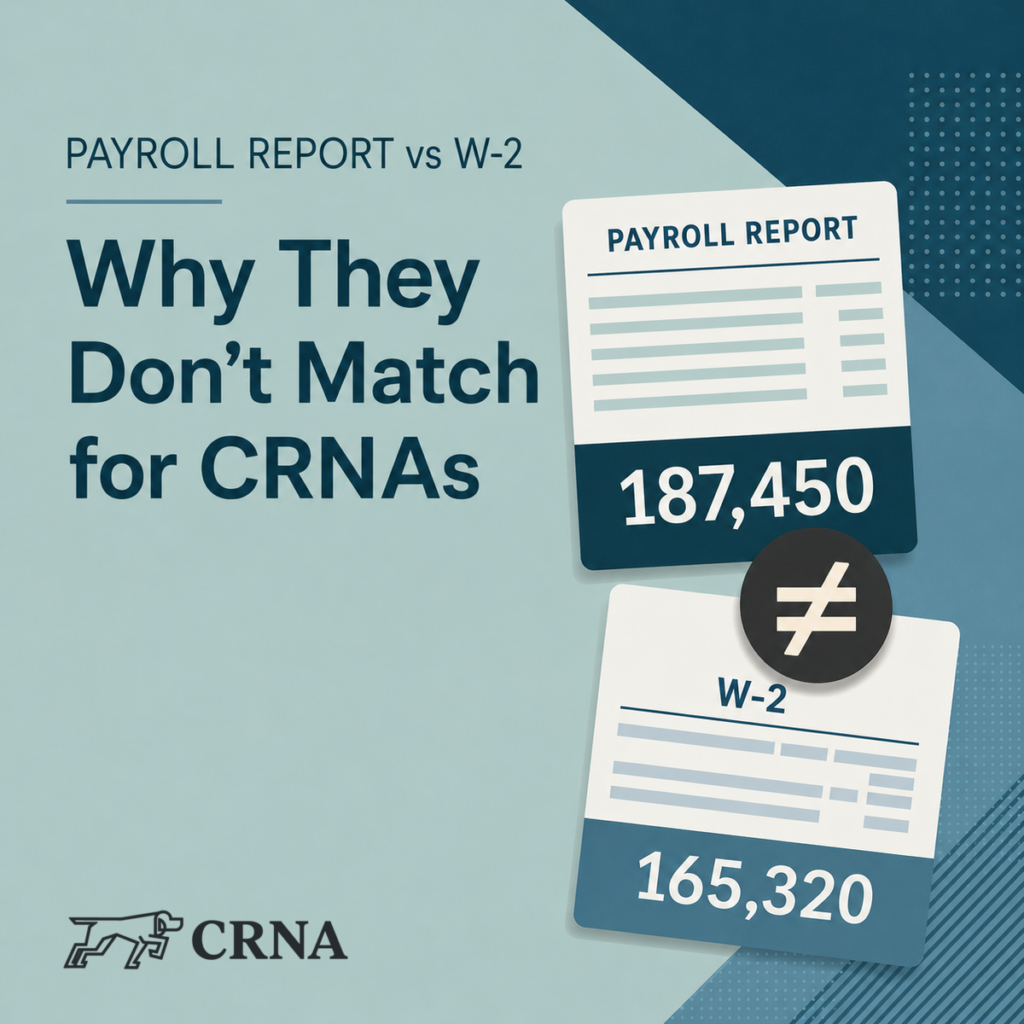
Payroll and W-2 reconciliation
Same payroll.
Different numbers.
Your payroll report and W-2 can disagree without either one being wrong. Here’s how to tell the difference between a normal mismatch and something that actually needs attention.
01
First, take a breath
The mismatch usually isn’t a mistake.
Every year, like clockwork, someone opens a payroll report, opens a W-2, and immediately assumes one of them must be lying.
First, you open the payroll report. Then you open the W-2. Then you start doing that thing where your eyes bounce back and forth like you’re watching tennis.
And then comes the quiet suspicion: “Okay, which one of you is wrong?”
Because the numbers don’t match. And if payroll reports were people, they would all swear they’re correct.
Someone did something wrong.
The payroll software glitched.
This is about to become a whole thing.
It is almost always none of the above.
There’s a reasonable expectation underneath the panic. If the money came from the same work, the numbers should agree.
Payroll software looks official. Accounting software looks official. Tax forms look like they were designed by someone who irons their socks. Everything has clean headings and crisp totals. Naturally, we assume they are telling the same story.
They are not.
At some point, everyone becomes convinced their payroll software is gaslighting them. Not because it is broken, but because it is reporting a different version of reality than the one you expected.
02
Same money, different jobs
Three reports. Three versions of the truth.
01
Payroll report
“What happened inside payroll?”
Payroll software pays people, calculates withholdings, tracks deductions, and files payroll tax forms. Its reports are generous with operational detail.
02
W-2
“What is taxable and reportable?”
A W-2 is not a recap of every dollar that moved. It has a narrow mission: report taxable wages and withholdings under the tax rules.
03
General ledger
“What cash moved, and where does it belong?”
Accounting software tracks cash movement and organizes it over time. It overlaps with payroll, but it is not interchangeable with payroll.
Same money. Different purpose. Different rules. All three reports can be correct at the same time, while still being annoying.
03
The usual suspects
Why payroll reports and W-2s split.
A
Pre-tax deductions reduce taxable wages.
Certain health insurance premiums, HSA contributions, some retirement contributions, and other pre-tax benefits can reduce what appears as taxable wages on the W-2.
Your payroll report may start with gross pay before those items. The W-2 is focused on taxable wages after the rules do their thing.
B
Reimbursements are often not taxable.
Some payroll reports include reimbursements or other payments that are not treated as taxable wages.
If one report shows “money that moved” and the W-2 shows “money that is taxable,” the totals can absolutely diverge.
C
Pay periods do not always respect December 31.
Payroll is organized around pay dates and pay periods. A W-2 is driven by what was actually paid during the calendar year.
When a pay period straddles late December and early January, a payroll summary may group it differently than the W-2 does.
D
Different reports answer different questions.
A gross payroll report, tax-liability report, deduction report, and employee W-2 are not built to reconcile by simply comparing the biggest number on each page.
Before assuming something is wrong, confirm which totals you are actually comparing.
04
The actual decision
Boring mismatch or real problem?
Usually boring
The gap has a clean explanation.
- Pre-tax deductions bridge the difference.
- Non-taxable reimbursements are included in payroll totals.
- A late-December or early-January pay date explains the timing.
- You were comparing reports built for different purposes.
Worth investigating
The numbers still do not make sense.
- Taxable wages do not fit your benefit elections.
- Withholdings are inconsistent with what you expected.
- The result is materially different from prior years.
- A reportable item, such as an HSA contribution, is missing.
- The gap is too large to explain with timing or deductions.
The challenge usually is not fixing a mistake. It is figuring out whether there is one in the first place.
05
A practical reconciliation
Sanity-check it in five steps.
-
01
Start with gross wages from payroll.
Use the employee-level report for the correct calendar year.
-
02
Subtract pre-tax deductions.
Identify the benefits that reduce the taxable wage figure.
-
03
Separate reimbursements.
Confirm whether non-taxable payments are in the payroll total.
-
04
Check year-end pay dates.
Look for pay periods crossing from December into January.
-
05
Compare the resulting taxable wages to the W-2.
If the remaining gap is unexplained, that is when you dig deeper.
The big takeaway
In this case, boring is exactly what you want.
When payroll numbers do not line up cleanly, it is rarely because something broke. It is usually because different systems are doing exactly what they were designed to do, without checking in with each other first.
Once you understand why the reports differ, the mismatch stops feeling ominous and starts feeling boring.
And in payroll reconciliation, boring is a pretty good outcome.
Planning built for CRNAs
Your payroll should connect to the rest of your plan.
For CRNAs running an S corporation, payroll is only one piece. Compensation, retirement contributions, estimated taxes, cash flow, and investment strategy all affect the next decision.
Tax planning and preparation are offered as part of an ongoing financial planning relationship. Tax preparation is not offered as an à la carte service.